
DJI Vision Sensor Calibration
Accuracy across the range
How DJI Vision Sensor calibration works
- Intake & visual inspection
- Environmental stabilization
- As-found measurement
- Comparison to NIST-traceable standards
- Adjustment if required
- As-left results & certificate
Your calibration, covered
In-lab vs on-site calibration
In-lab calibration
- Lab bench with full reference standards
- Best achievable measurement uncertainties
- Pickup & return logistics handled
- Ideal for precision and reference work
On-site calibration
- We calibrate the DJI Vision Sensor at your facility
- No shipping risk or transit downtime
- As-found data captured before any move
- Ideal for fixed, large or sensitive assets
In-depth guide
Having trouble with obstacle sensors? Seeing weird flight behavior or recurring “vision sensor error” messages? A quick DJI vision sensor calibration using DJI Assistant 2 might be all you need. This guide walks you through everything, step by step, to calibrate DJI vision sensors and fix common errors.
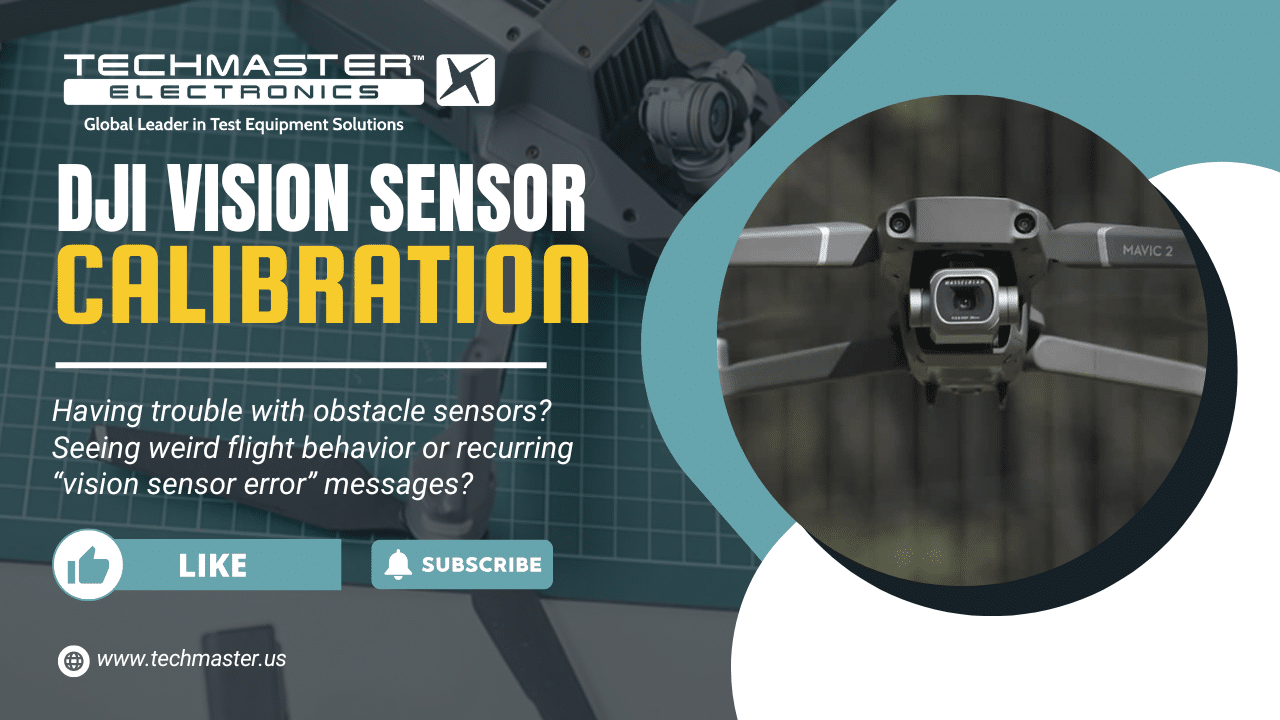
(DJI vision sensors calibration is currently outside the scope of Techmaster’s services. This article is provided for informational purposes only)
Why Vision Sensor Calibration Matters
Before your drone takes off, it relies on multiple sensors to stay balanced and aware of its surroundings. Among these, the vision sensors are crucial, they act like the drone’s eyes, helping it detect obstacles, maintain position, and hover accurately even when GPS signals are weak.

When these sensors fall out of alignment, all sorts of problems can creep in. That’s why calibration isn’t just optional, it’s essential. Here’s when and why you should pay attention:
-
After firmware updates
-
After hard landings or crashes
-
If you notice unstable hovering
-
If obstacle avoidance stops working
-
When flying in very different lighting environments
Calibrating doesn’t just fix existing issues, it proactively prevents flight failures before they happen.
What You’ll Need
-
DJI drone with vision sensors (see supported models below)
-
USB cable
-
Computer with DJI Assistant 2 installed
-
Flat, well-lit surface
-
Stable internet connection
Supported Models:
-
Mavic series: Mavic 2 Pro/Zoom, Air 2, Mavic 3
-
Phantom series: Phantom 4 Pro/Advanced
-
DJI Air series: Air 2S, Air 3
-
Mini series: Mini 2, Mini 3 Pro, Mini 4 Pro (downward only)
💡 Tip: Always calibrate indoors in soft, diffused lighting. Avoid glare, moving shadows, or shiny floors.
Step-by-Step DJI Vision Sensor Calibration
This process takes 5–10 minutes. Follow each step carefully.
1. Install DJI Assistant 2
-
Download the correct version from DJI’s official site.
-
Install it on a Windows 10+ or macOS 10.13+ computer.
2. Connect Your Drone
-
Power on the drone (without propellers).
-
Connect it via USB.
-
Wait for DJI Assistant 2 to detect it.
3. Start Calibration
-
In the app, select your drone.
-
Go to the Calibration tab.
-
Choose Vision Sensors.

4. Follow On-Screen Prompts
-
Move and rotate your drone as instructed.
-
Keep the vision sensors within the on-screen boxes.
-
Hold the drone steady and move slowly.
5. Complete and Verify
-
Once calibration is successful, disconnect the drone.
-
Test it in a safe area:
-
No sensor error messages in DJI Fly/Go app
-
Obstacle avoidance works
-
Drone hovers precisely and returns to home accurately
-
Still getting sensor errors?
It might be hardware damage. Contact us for a free diagnostic.
Common DJI Vision Sensor Errors and Fixes
Let’s be honest: DJI drones are amazing, but even the best tech throws a tantrum now and then. If you’re getting cryptic messages like “Vision Sensor Error” or “Obstacle Avoidance Not Available,” don’t freak out, these are often fixable.
Here are the usual suspects and what you can do:
-
Vision Sensor Error:
→ Calibrate vision sensors with DJI Assistant 2. Check for dust, damage, or smudges on the sensor lenses. -
Obstacle Avoidance Disabled:
→ Make sure you’re in a well-lit area. Obstacle detection won’t work in low light. Also, check if you disabled it by accident in the app settings. -
Drone drifts or doesn’t hover in place:
→ Recalibrate both IMU and vision sensors. Also, check if you’ve attached any accessories that might block sensors (like prop guards).
Update Firmware Before Calibration
Before you even touch the calibration process, hit pause and check for firmware updates. Seriously, it’s one of the most overlooked steps, and skipping it can waste your time.
Here’s why firmware matters:
-
New firmware can change how sensors behave or are calibrated.
-
Older firmware might not be compatible with newer versions of DJI Assistant 2.
-
Sensor-related bugs are often fixed silently in updates, no fanfare, just patch notes.
To update:
-
Open DJI Assistant 2 or DJI Fly app.
-
Connect your drone and check for updates.
-
Install them before you attempt calibration.
Once everything’s updated, restart your drone and computer before starting the process. Trust me, this small step avoids 90% of “calibration failed” headaches.
Final Tips for Smooth Flying
-
Recalibrate every 2–3 months, or after crashes/firmware updates
-
Avoid reflective surfaces when flying indoors
-
Keep sensors clean, wipe lenses regularly
-
Use correct DJI Assistant version for your model
FAQs
Q: How often should I calibrate?
A: Every 2–3 months or after firmware updates, crashes, or unstable flight.
Q: Can I calibrate with the DJI Fly app?
A: No. Vision sensor calibration must be done with DJI Assistant 2 on a computer.
Q: Difference between IMU, compass, and vision calibration?
-
IMU: Internal motion sensors (balance/orientation)
-
Compass: GPS alignment
-
Vision sensors: Obstacle detection and hovering accuracy
Each needs its own calibration.
Q: Calibration keeps failing, is my drone broken?
A: Not always. Improve lighting, try a new USB cable, or reinstall DJI Assistant 2.
Q: Can I calibrate vision sensors outdoors?
A: No. Outdoor lighting and wind disrupt the process. Always calibrate indoors.
Q: My drone model isn’t listed?
A: Make sure you downloaded the correct DJI Assistant 2 version. If unsupported, check the DJI website for alternate options.
Still having trouble?
Our expert technicians offer fast repair and vision sensor realignment services.
Reach out now to fly with confidence.

Hipot Tester Calibration: Verifying Dielectric Withstand Voltage and Trip Current
How a hipot (dielectric withstand) tester is calibrated: AC/DC output voltage, trip current, timer, uncertainty...
Nov

Oscilloscope Probe Calibration: Compensation, Attenuation and Bandwidth
Home » DJI Vision Sensor Calibration: Troubleshooting and Best PracticesAn oscilloscope is only as accurate...
Oct

Gauss Meter Calibration: Hall Probes, Reference Magnets and Zero Offset
Home » DJI Vision Sensor Calibration: Troubleshooting and Best Practices Gauss meters (teslameters) measure magnetic...
Oct
How Often Calibrate a Battery Analyzer?
Home » DJI Vision Sensor Calibration: Troubleshooting and Best Practices How Often Should You Calibrate...
Oct
How to Use a Battery Analyzer: Setup, Operation & Best Practices
Home » DJI Vision Sensor Calibration: Troubleshooting and Best Practices How to Use a Battery...
Oct
Battery Analyzer Calibration: ISO/IEC 17025 Guide
Home » DJI Vision Sensor Calibration: Troubleshooting and Best Practices Battery Analyzer Calibration: ISO/IEC 17025...
Sep

Bench DMM Calibration: What a 6½-Digit Multimeter Test Actually Covers
What an accredited 6½-digit bench DMM calibration actually covers: 40–100 test points, artifact calibration vs...
Sep
Rogowski Coil Calibration: Why Flexible AC Current Probes Drift
Rogowski coil calibration verifies the coil and its integrator as one system. Here is why...
Aug
Frequently asked questions
What is DJI Vision Sensor Calibration?
How often should a DJI Vision Sensor be calibrated?
What standards apply to DJI Vision Sensor Calibration?
What is included on the certificate?
Can you calibrate the DJI Vision Sensor on-site?
Need DJI Vision Sensor calibration?
NIST-traceable calibration, fast turnaround, in-lab or on-site across the USA.
Contact us for a quoteReferences & industry standards
- ISO/IEC 17025 testing & calibration laboratory requirements
- NIST calibration services and measurement traceability
- A2LA / ANAB accreditation for calibration laboratories
External standards bodies. Techmaster Electronics is an ISO/IEC 17025-accredited, NIST-traceable calibration laboratory.

Khanh Nguyen is the Marketing Manager at Techmaster Electronics, a B2B marketing leader covering the test, measurement, and ISO/IEC 17025 accredited calibration industry in the United States.